Install the extension.
Add Clynt to Chrome in 30 seconds, then sign in at clynt.ai with the email you'll use to manage hearings.
 Clynt.ai
As long as you're logged into ECAS, Clynt syncs your hearings when you enter ECAS and at intervals while that session remains active. When a later sync detects a material change, Clynt records it and, on eligible plans, can email you and update connected calendars.
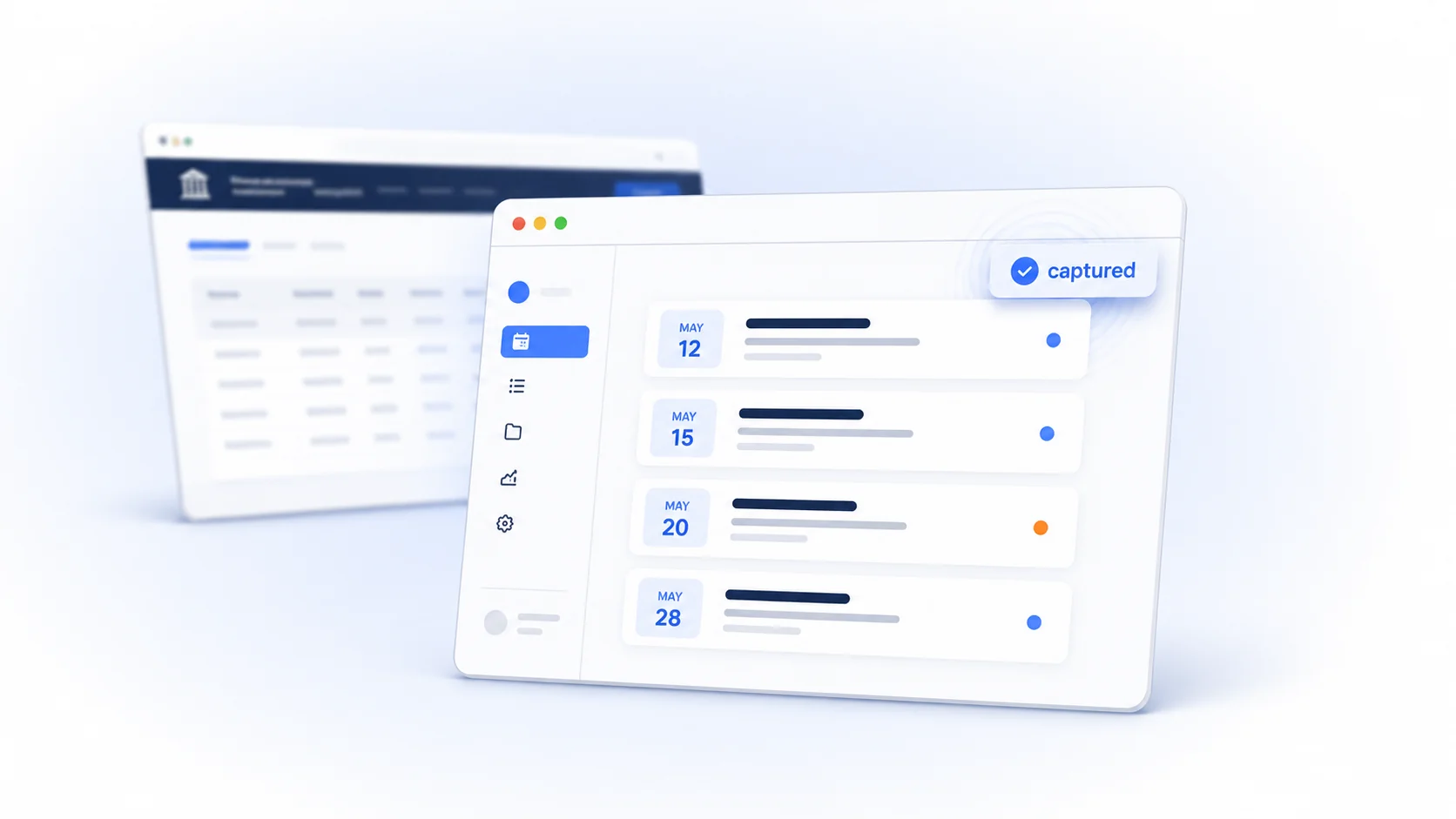
Most immigration attorneys still track hearings in a spreadsheet, a physical calendar, or memory. A missed hearing means a removal order in absentia for a client who trusted you. ECAS shows your hearings, but it does not keep your personal calendar aligned or flag scheduling conflicts across your docket. Clynt helps surface material changes found during your ECAS syncs.
Add Clynt to Chrome in 30 seconds, then sign in at clynt.ai with the email you'll use to manage hearings.
Clynt reads what your own ECAS session loads — it doesn't store your password, doesn't crawl, and only sees what you see. It syncs when you enter ECAS and at intervals while that authenticated session remains active.

When a later sync detects a material hearing change, Clynt logs it with a timestamp. Eligible plans can also send an email alert and update connected Google or Outlook calendars.
Four focused tools for seeing your docket, detecting conflicts, reviewing changes, and updating connected calendars.
While you're logged into ECAS, the extension syncs the hearing data your session loads. Clynt never stores your ECAS password or signs in on your behalf.
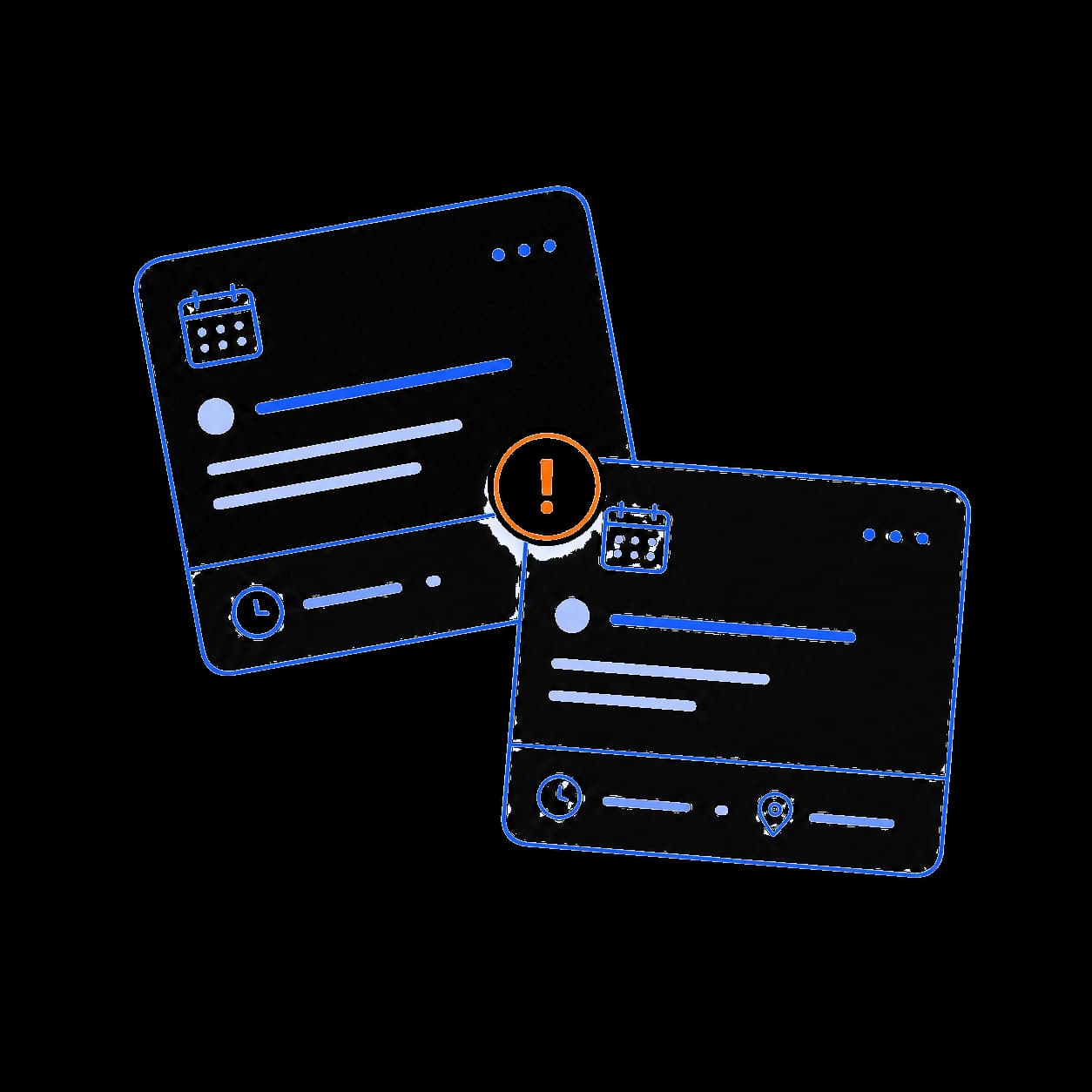
Two hearings on the same morning in different courts? Clynt flags the overlap so you can move one before it becomes a problem.
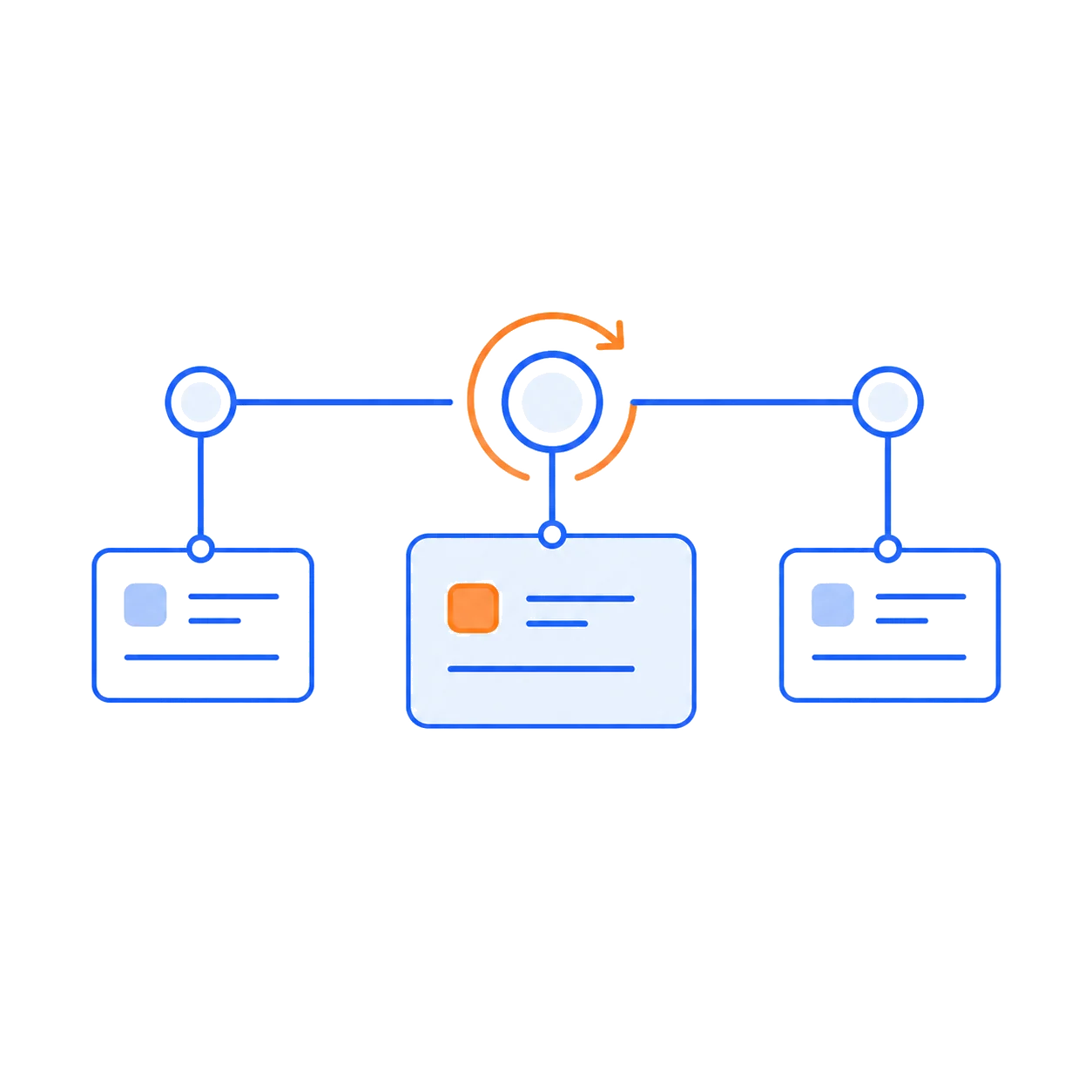
Clynt compares later ECAS syncs with captured hearing history and records material changes such as a new date, time, judge, court, or hearing type. Verify changes against the official record.
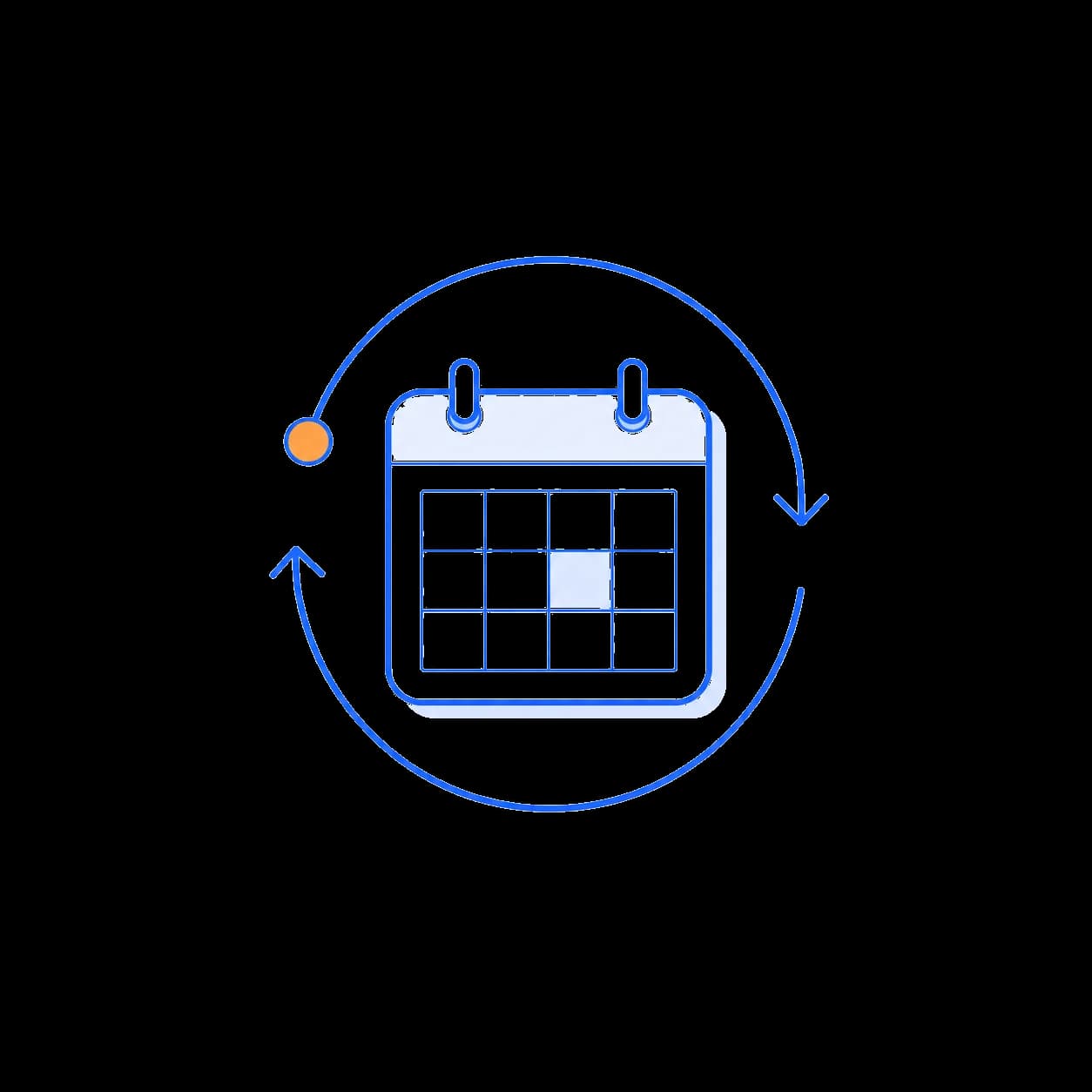
On eligible plans, push hearings to selected Google or Outlook calendars. When a later ECAS sync detects a reschedule, Clynt can update the corresponding calendar event.
No card is required for the trial. The Chrome extension remains free, and your captured data is retained if web access pauses.
1 named user. Detected-change alerts, calendar sync, exports, reminders, and core AI tools.
4 named users. Multi-touch reminders, per-hearing reminder customization, and more monthly AI usage.
8 named users, everything in Pro, and our largest monthly AI usage allowance.
Every paid plan includes AI credits each month for hearing summaries, timeline narratives, your weekly digest, natural-language search, and more. Need more? Buy a one-time top-up pack anytime. Top-up credits never expire and stack on top of your monthly credits.
Clynt only reads the case data your own session already loads — it never stores your EOIR password and never signs in on your behalf.
A-numbers and respondent names are stored in your Clynt account behind email-verified authentication. We don't sell your data or use it to train AI models.
Monthly subscriptions can be canceled from your account. If paid web access ends, your captured hearing data remains in your account for when you return.
Add the free Chrome extension, then start a 7-day full-access web trial. No card required.